Additional customisation classes
Add classes to individual menu items to use Mega Menu Builder's built-in styles or your own CSS.
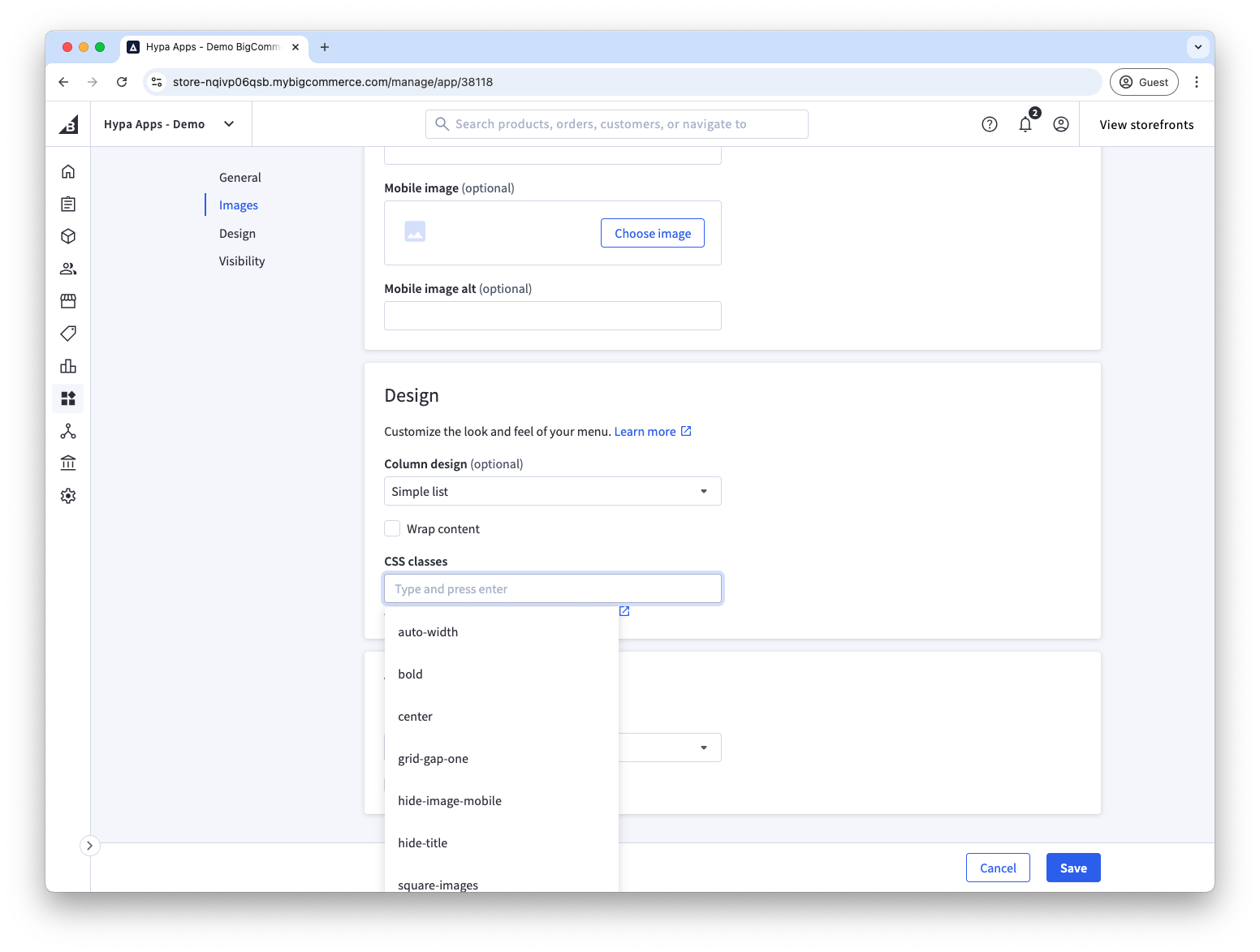
To customise a menu item, add a class in the app and target the generated class in your stylesheet. Add the CSS to your theme or to the Custom CSS field in the Page Builder widget.
Mega Menu Builder prefixes a custom class with .menu-block__tag-. For example, entering right-arrow produces:
.menu-block__tag-right-arrow
Built-in classes
The following classes are available without adding your own CSS.
title-first
Adding the "title-first" class will reverse the order of a menu item image and text so that the text or "title" is shown first and the image is after.
hide-title
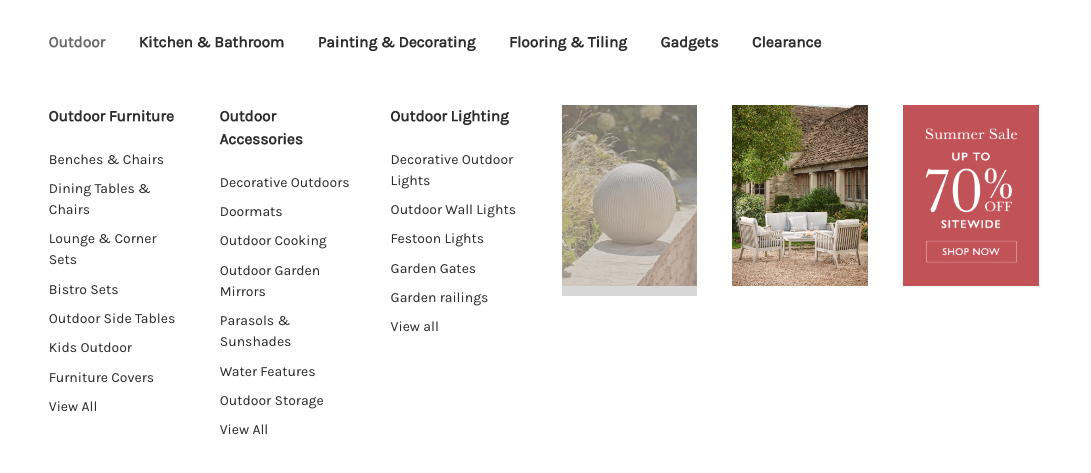
Adding "hide-title" will hide this menu items text or "title". This is useful when creating image-only columns.
In this example, the last three menu items consist of a link and image but the title text is hidden.
square-images
Adding the class "square-images" is helpful when using the "Inline images" design to show images as squares rather than circles.
bold
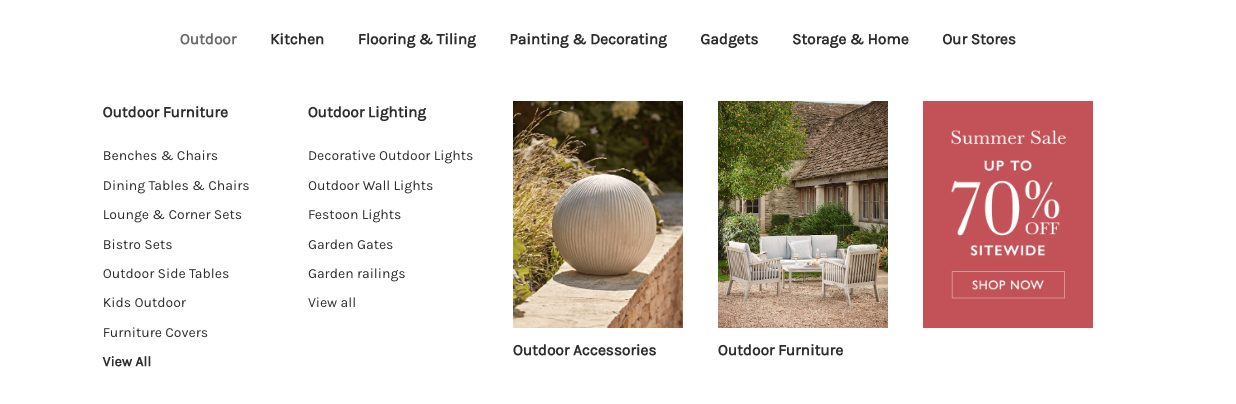
Use "bold" to change the font weight. This can be used to help promote certain links within the menu, e.g. View All.
auto-width
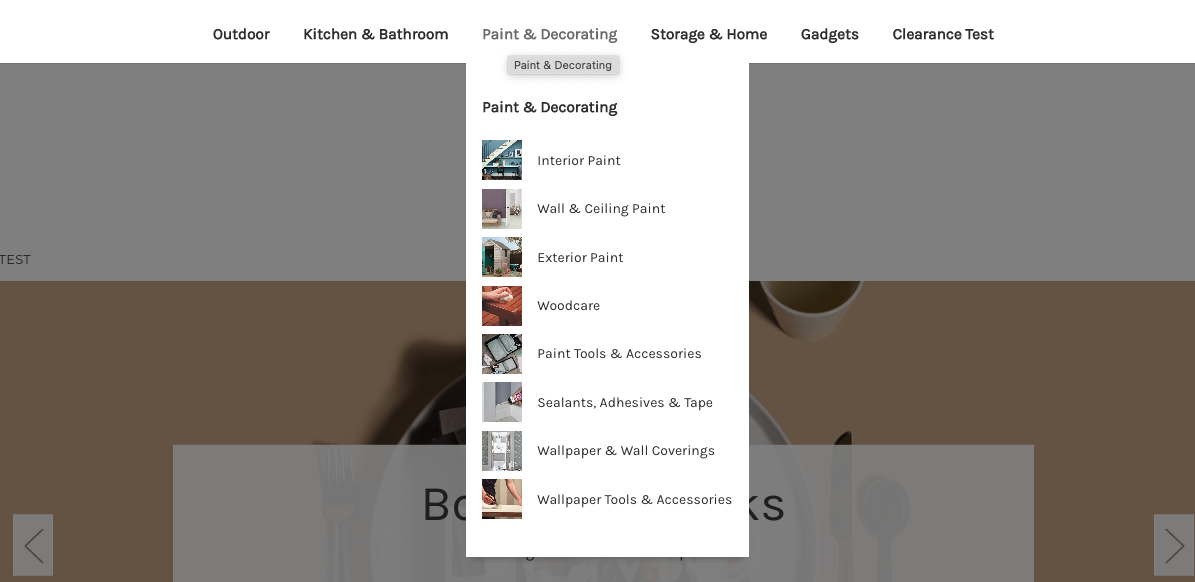
Use "auto-width" on a top-level menu item to scale the flyout menu from full-width to the size of the menu items beneath it.
hide-image-mobile
Use "hide-image-mobile" when you want an image to only be shown on the desktop view.