Import / Export
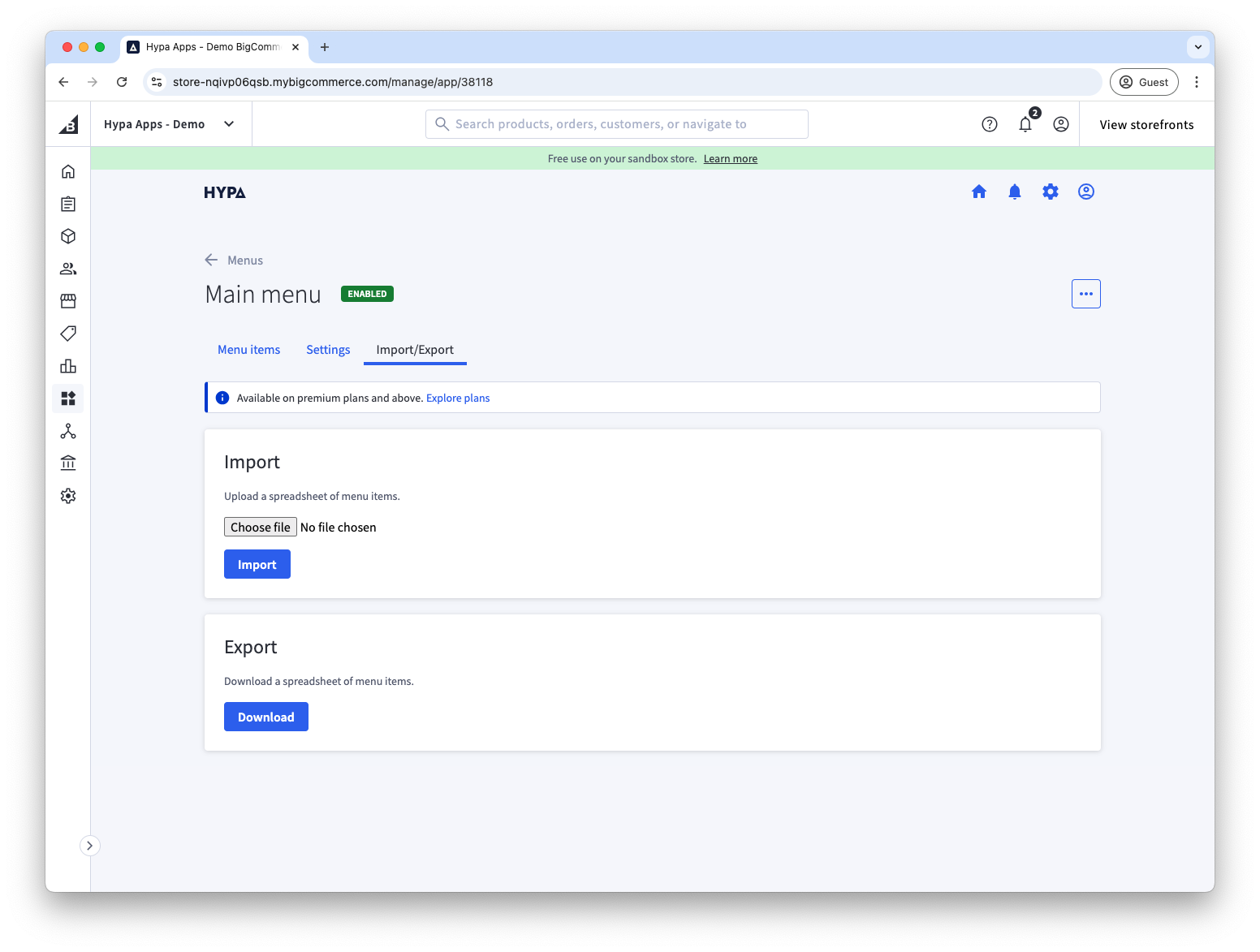
Use a spreadsheet export to edit menu items in bulk or move a menu between stores.
Export a menu
- Open the menu you want to export.
- Select the Import/Export tab.
- Select Export. Mega Menu Builder downloads a spreadsheet containing the menu items.
Import menu items
You can edit an exported spreadsheet and import it to update existing menu items or create new ones.
- Open the menu you want to update.
- Select the Import/Export tab.
- Choose the edited spreadsheet and start the import.
Menu items are matched by the spreadsheet's code column. In the app, this value is labelled Unique identifier. Keep the value unchanged to update an existing item.
Page Builder settings
Page Builder widget options are not included in the spreadsheet. Configure them manually after importing a menu into another store.