Install guide
Mega Menu Builder supports single-click installation, with no custom code required.
Install the app
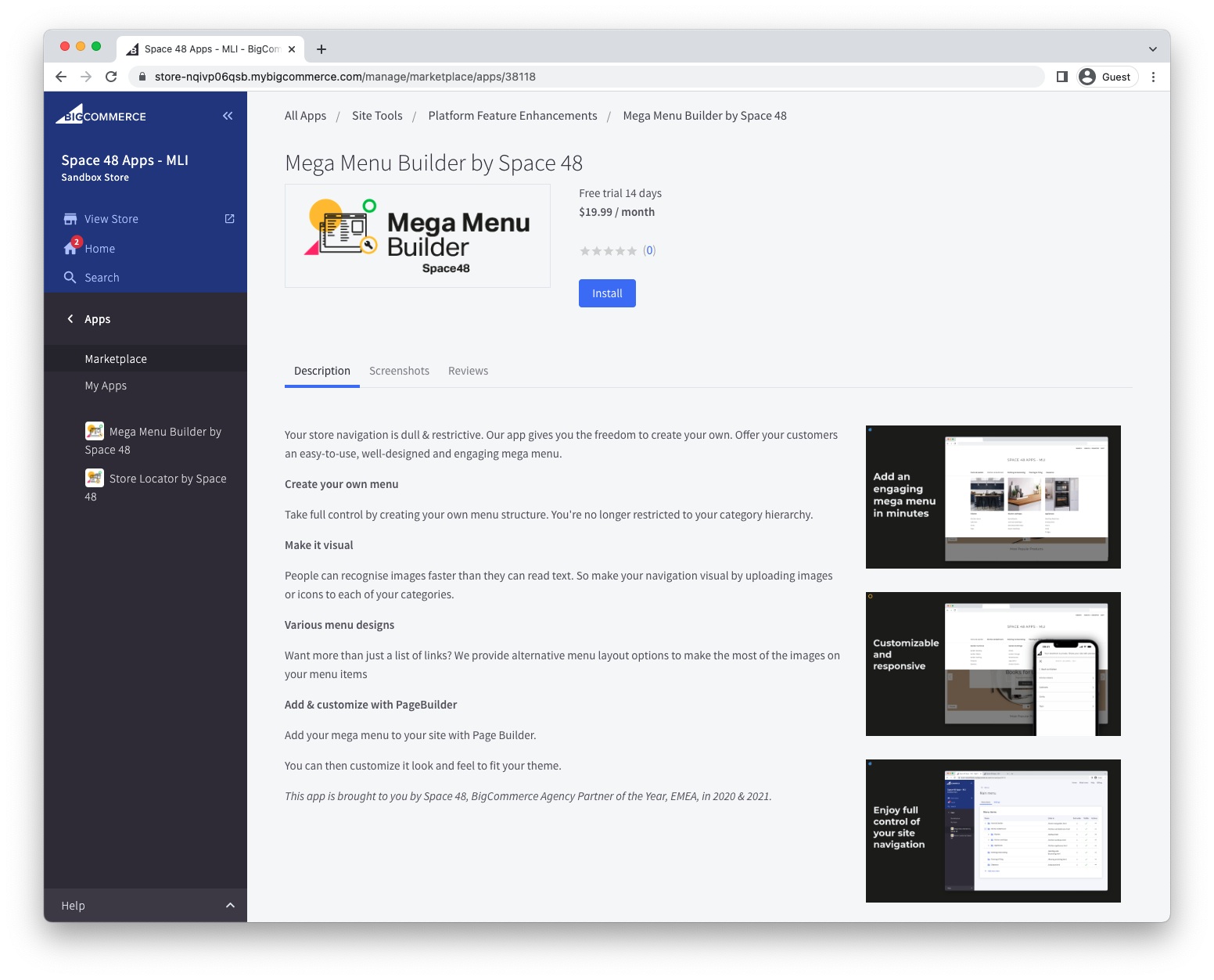
- Open Mega Menu Builder in the BigCommerce marketplace.
- Select Get this app and choose the store where you want to install it.
- Select Install.
Review permissions
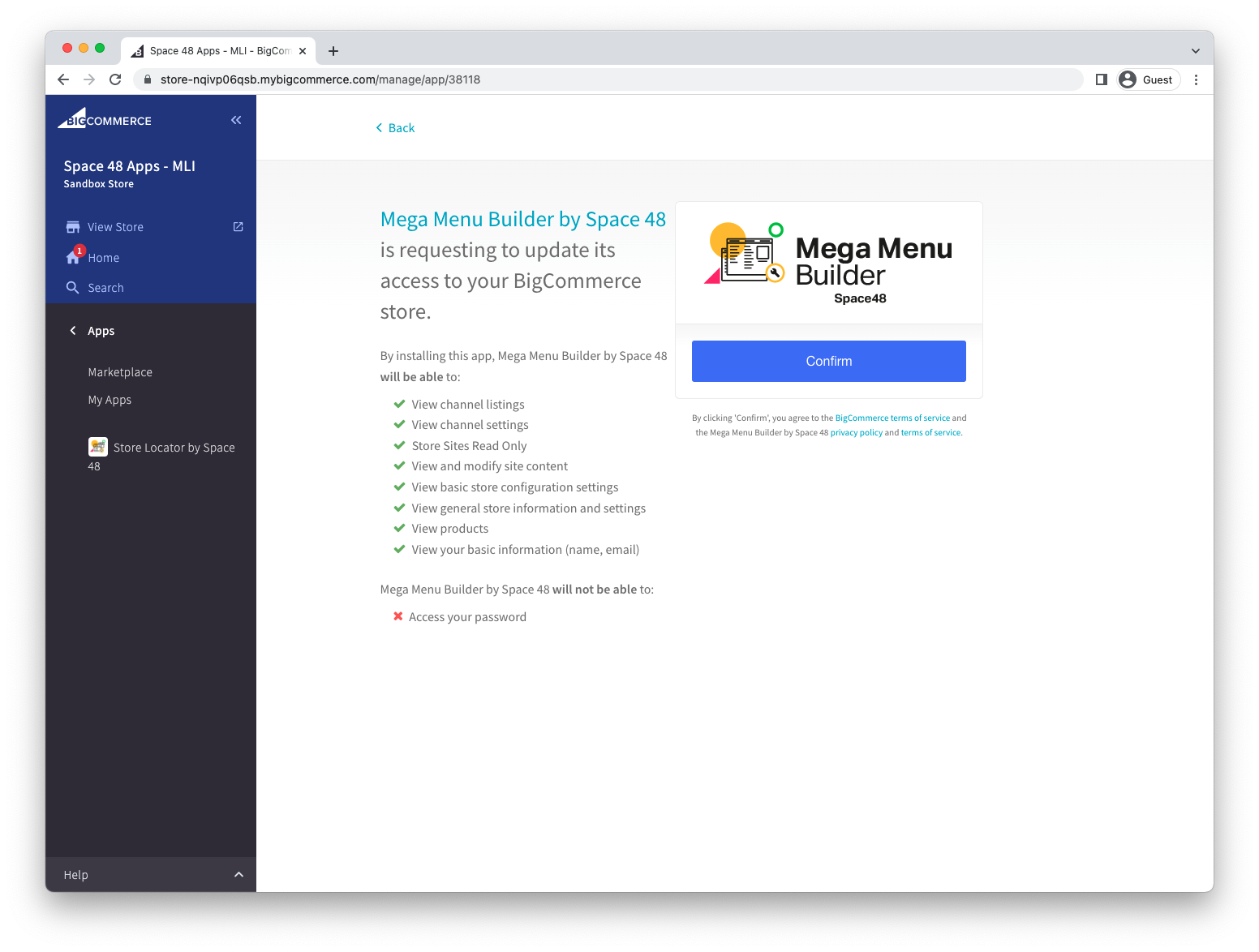
Review the requested permissions, then select Confirm. Mega Menu Builder requests the store data it needs to create and display your navigation.
Next steps
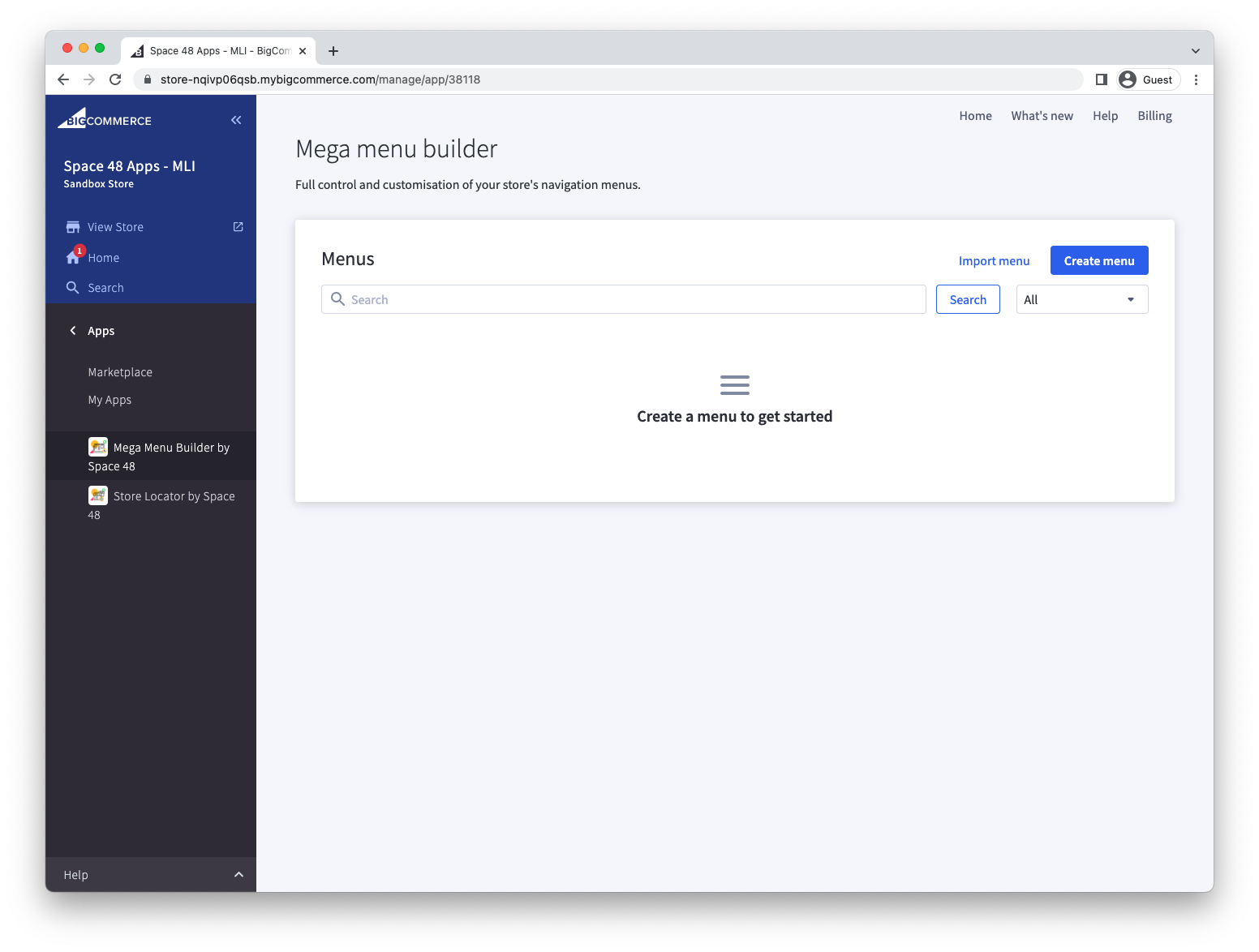
Once installation is complete:
Troubleshooting
If installation does not complete as expected, check the FAQs or contact support.