Quick start
After installing Mega Menu Builder, create and publish your first menu in three steps.
Create a new menu
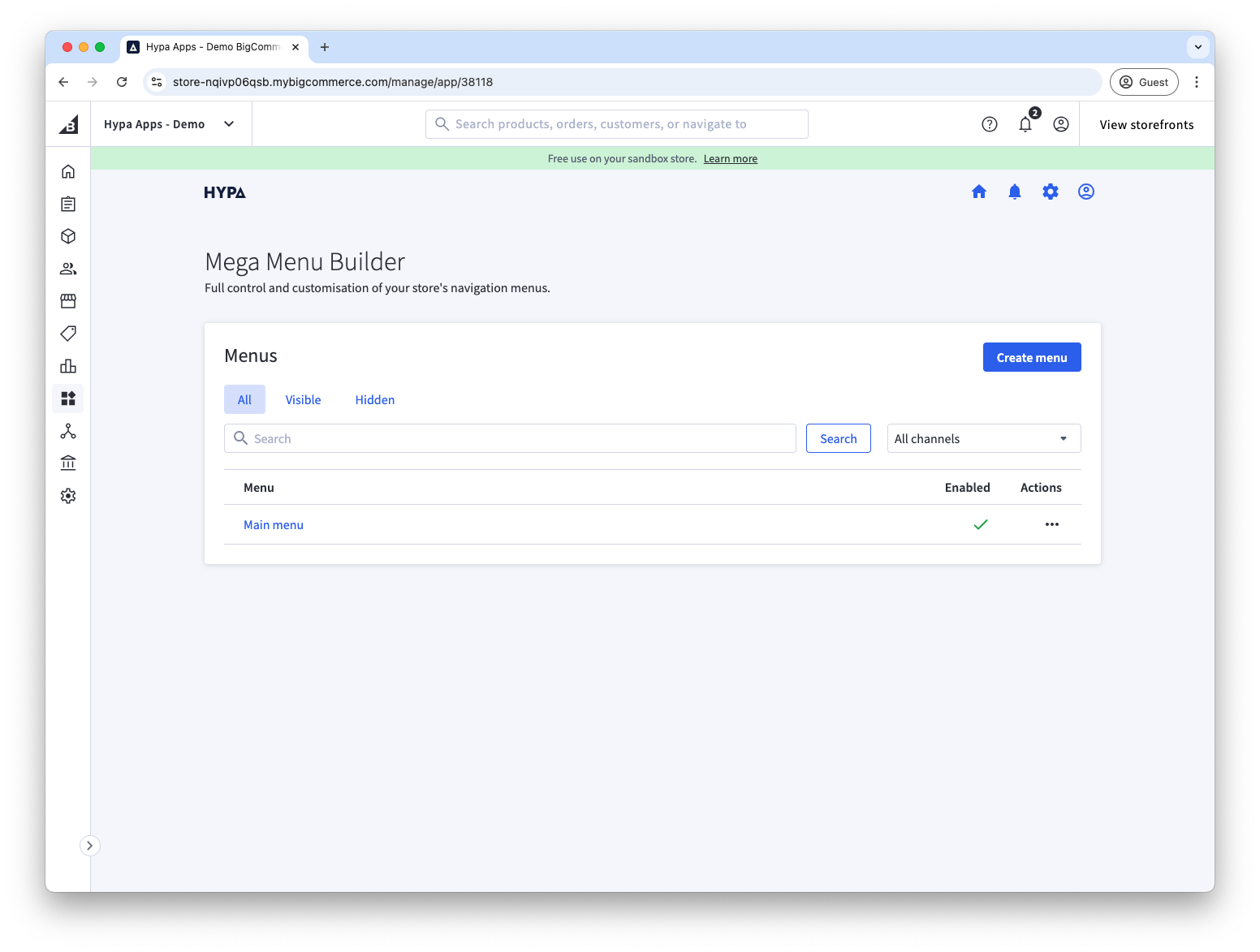
- Select Create menu.
- Give the menu a clear name, such as
Main menu.
Add some menu items
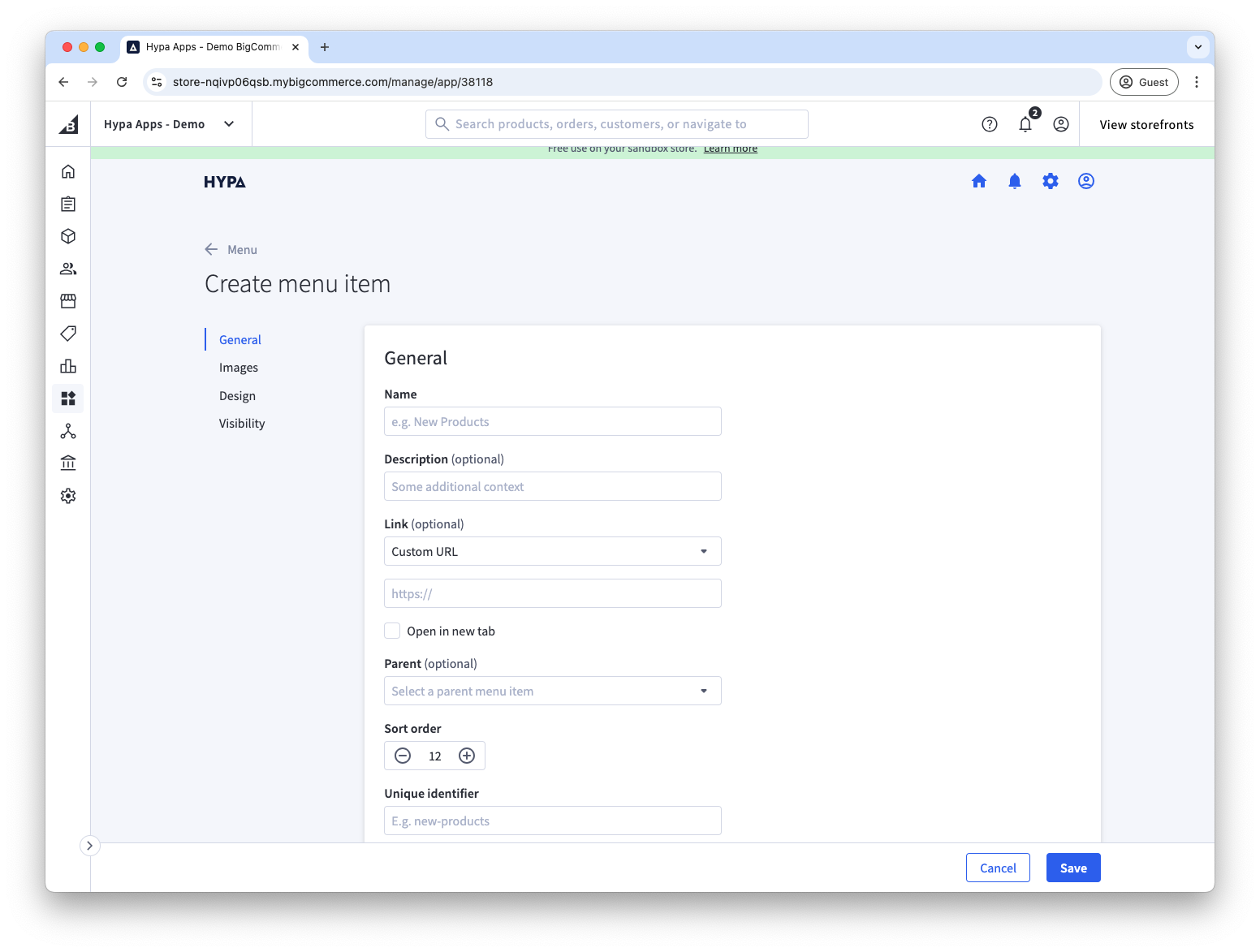
- Enter the menu item's name and, optionally, its destination.
- Select Add.
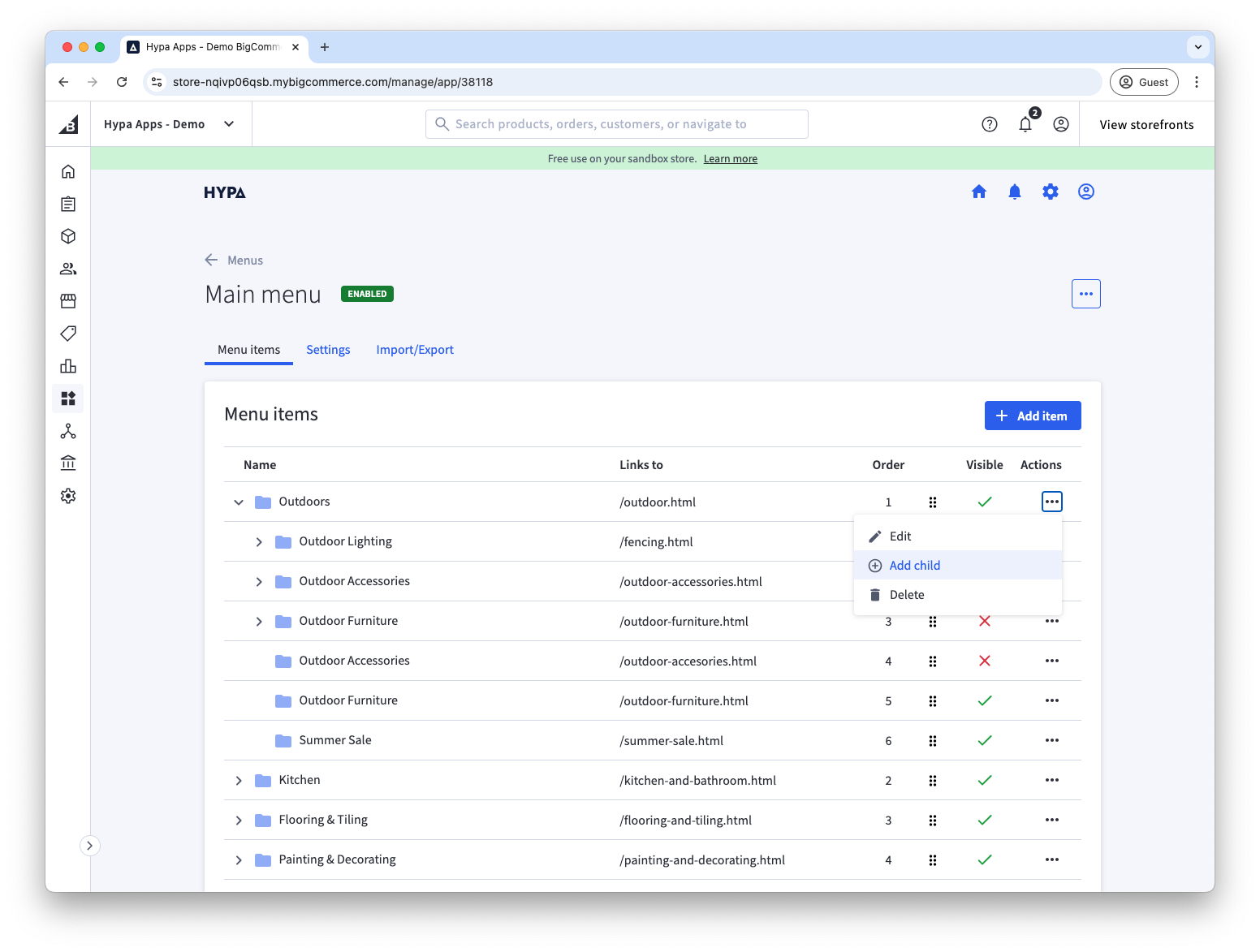
Continue adding top-level items, or create a nested menu by selecting Add child on an existing item.
Add the menu with Page Builder
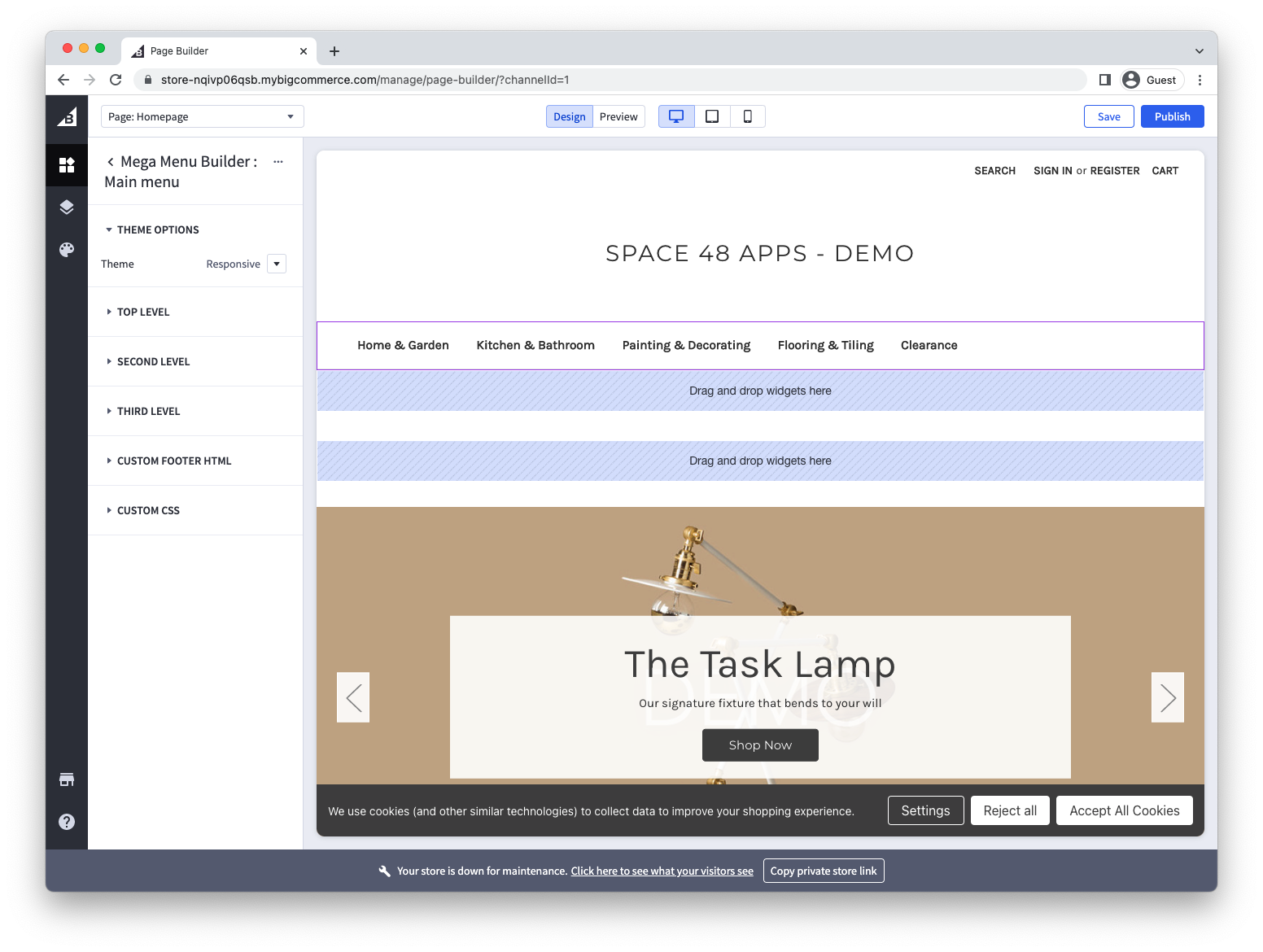
Open Page Builder. Each menu you create appears as a separate Mega Menu widget.
Drag the widget into a global region in the header to use it as your main navigation, then publish the changes.
The default responsive theme automatically hides the existing storefront navigation.
See Add your menu with Page Builder for all widget options.